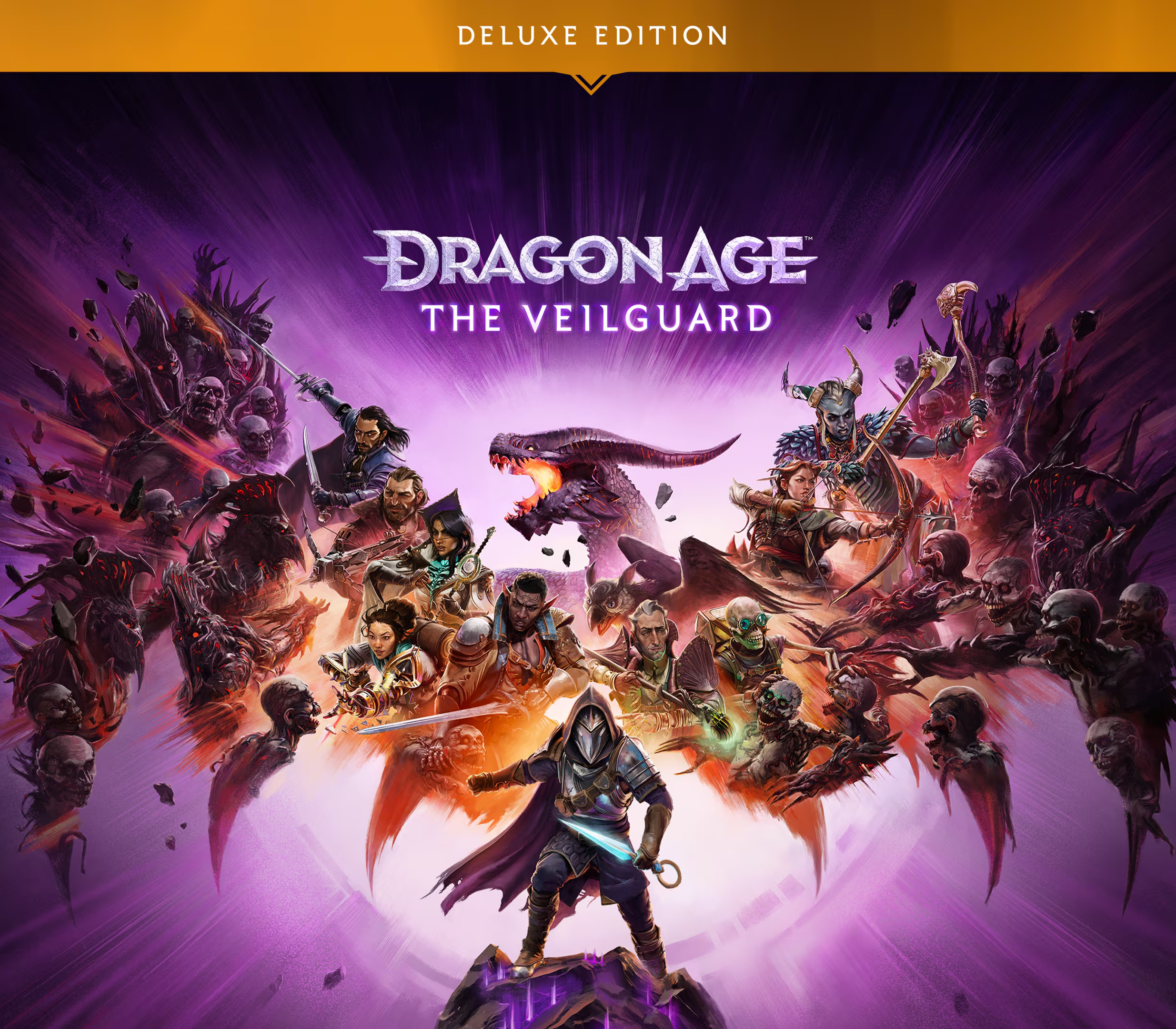
Activates on EA app. Region: Global. Downloadable content.


Activates on EA app. Region: Global. Downloadable content.
EA Digital Illusions CE · Electronic Arts
Activates on EA app. Region: Global. Downloadable content.
In stock at its regular priceIn stock
Delivered to your account, usually within minutes after payment is confirmed.
Card payment on a hosted page with 3-D Secure.


Battlefield 3 Back to Karkand Expansion Pack DLC Origin Key Platform: Origin Release Date: 06/12/2011 Product Description Requires Battlefield 3 on Origin in order to use. It’s time to go Back to Karkand with the first expansion pack to DICE’s award-winning Battlefield 3. Utilizing the power of Frostbite 2, the Back to Karkand Expansion Pack re-masters four of the greatest Battlefield maps with enhanced levels of destruction: Strike at Karkand, Wake Island, Gulf of Oman, Sharqi Peninsula. In addition, Back to Karkand includes five new dog tags, five new achievements/trophies on console, three vehicles from Battlefield 2 (the desert buggy, the STOVL fighter jet, and an APC), 10 iconic Battlefield 2 weapons you can bring back to the base game, and an added layer of persistence where players complete Assignments to earn their rewards. System Requirements OS: Windows Vista (Service Pack 1) 32-bit Processor: 2 GHz Dual Core (Core 2 Duo 2.4 GHz or Althon X2 2.7 GHz) Memory: 2 GB Hard Drive: 20 GB Graphics card (AMD): DirectX 10.1 compatible with 512 MB RAM (ATI Radeon 3000, 4000, 5000 or 6000 series, with ATI Radeon 3870 or higher performance) Graphics card (NVIDIA): DirectX 10.0 compatible with 512 MB RAM (NVIDIA GeForce 8, 9, 200, 300, 400 or 500 series with NVIDIA GeForce 8800 GT or higher performance) Sound card: DirectX Compatible Keyboard and Mouse
You need an EA account and the EA app.
Go to: http://www.origin.com/us/about Click "Download Origin" (from the upper left corner) Login into downloaded application Install and start application, login with your Account name and Password (create one here: http://store.origin.com/ if you don't have). Redeem Product Code From the "Origin" drop-down menu (upper right corner) choose "Redeem Product Code...", enter your code and click "Next". Download your Game After successful code verification go to the "MY GAMES" tab and start downloading.
More action on EA app, in board order.
Activates on EA app. Region: Global. Downloadable content.
Activates on EA app. Region: Global. Downloadable content.
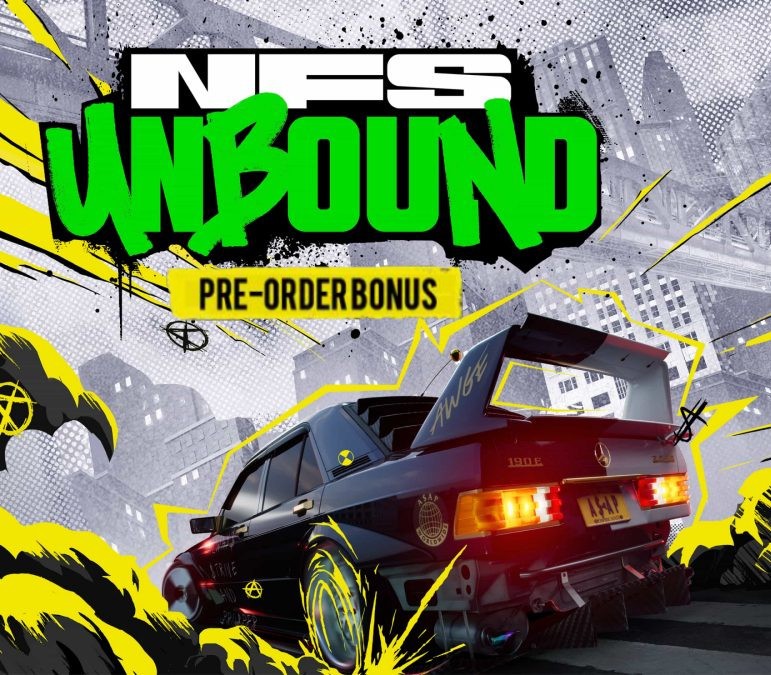
Activates on EA app. Region: Global. Downloadable content.

Activates on EA app. Region: Global. Downloadable content.

Activates on EA app. Region: Global. Downloadable content.