Activates on EA app. Region: Global. Downloadable content.
Activates on EA app. Region: Global. Downloadable content.
Maxis · Electronic Arts · 2017
Activates on EA app. Region: Global. Downloadable content.
In stock at its regular priceIn stock
Delivered to your account, usually within minutes after payment is confirmed.
Card payment on a hosted page with 3-D Secure.
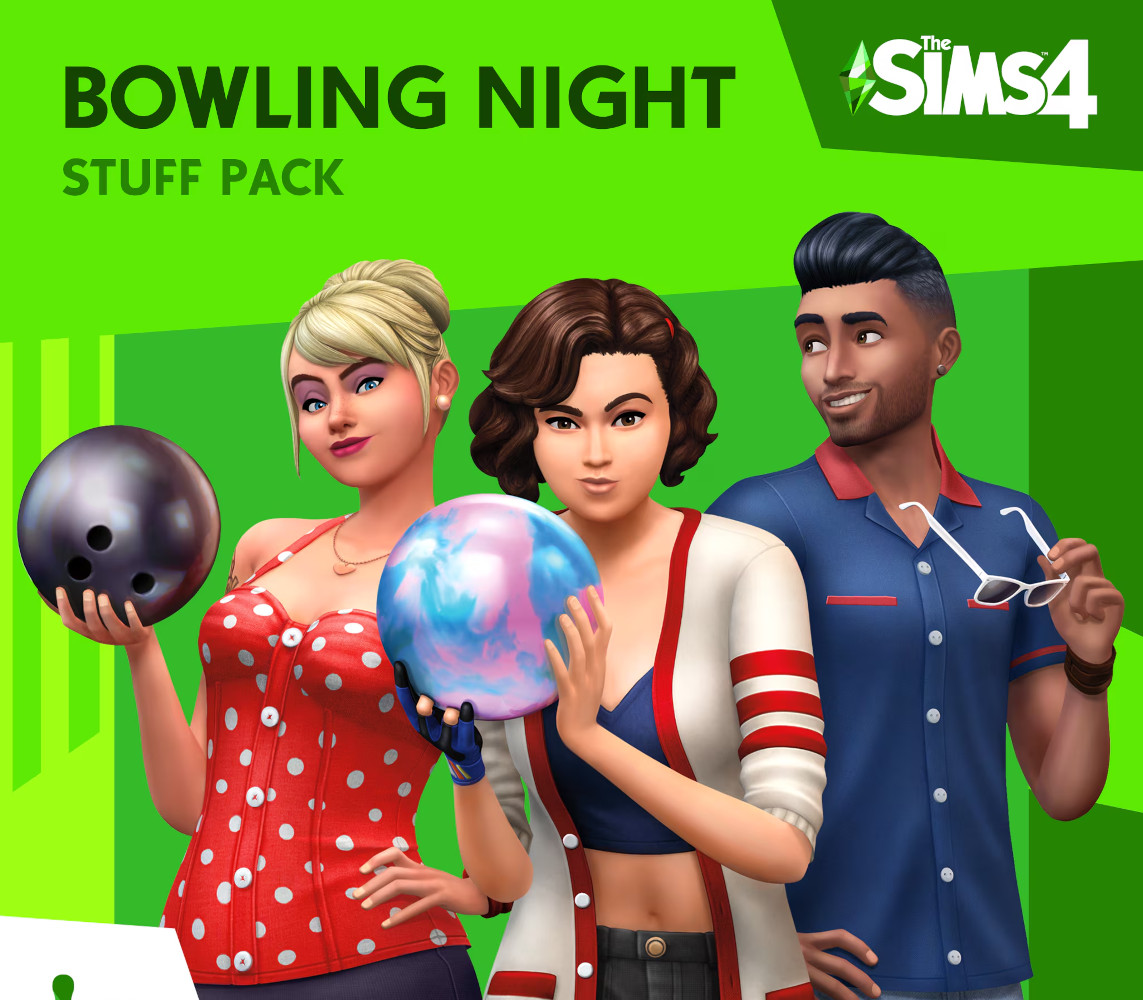
Build a bowling hangout and take your Sims to the lanes for an evening of fun with The Sims 4 Bowling Night Stuff. Compete against friends and improve your bowling skills to unlock trick shots. Customise your alley with bowling-themed décor and give your Sims a striking new look. Features Build a bowling hangout. Create your own space complete with neon lighting, bowling-themed décor, and even a bar for your Sims to enjoy refreshments between frames. Customise its look with retro-modern furniture that looks awesome in the alley or at home. Take your Sims bowling. Challenge your Sims to a game of bowling on the all-new bowling lane object. Start off using bumpers and improve your skills to unlock impressive trick shots. Dim the lights and turn up the music for an out of this world moonlight bowling experience. Striking new fashion. Outfit your Sims in retro bowling shirts and shoes or give them a rockin’ new look with rockabilly-inspired clothing and hairstyles.
You need an EA account and the EA app.
Go to: http://www.origin.com/us/about Click "Download Origin" (from the upper left corner) Login into downloaded application Install and start application, login with your Account name and Password (create one here: http://store.origin.com/ if you don't have). Redeem Product Code From the "Origin" drop-down menu (upper right corner) choose "Redeem Product Code...", enter your code and click "Next". Download your Game After successful code verification go to the "MY GAMES" tab and start downloading.
Activates on Xbox. Region: Global. Downloadable content.
More simulation on EA app, in board order.
Activates on EA app. Region: Global. Downloadable content.
Activates on EA app. Region: Global. Downloadable content.

Activates on EA app. Region: Global. Downloadable content.
Activates on EA app. Region: Global. Downloadable content.
Activates on EA app. Region: Europe. Downloadable content.