Activates on EA app. Region: Global. Downloadable content.

Activates on EA app. Region: Europe. Downloadable content.
Maxis · Electronic Arts · 2025
Activates on EA app. Region: Europe. Downloadable content.
In stock at its regular priceIn stock
Delivered to your account, usually within minutes after payment is confirmed.
Card payment on a hosted page with 3-D Secure.



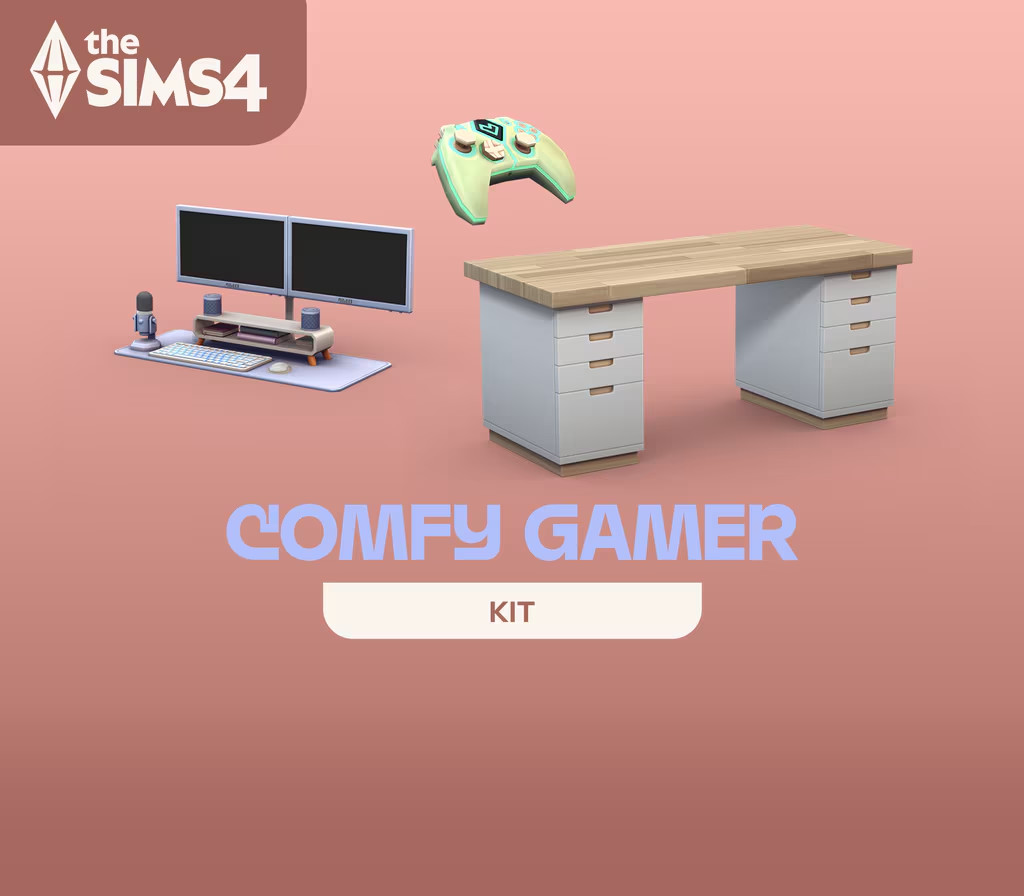
Settle in for a cozy time at the computer with The Sims™ 4 Comfy Gamer Kit. With this collection you’ll craft warm, inviting spaces that feel personal with a large desk, playful clutter items, and of course a comfy gaming chair. This kit was created in collaboration with Lilsimsie to be fun and relaxing with subtle references to The Sims. KEY FEATURES A Personal Touch — Use the décor in this kit to make your computer area feel homey, relaxing, and completely yours with plants, clutter, and gaming accessories. There are even cubed cubbies for displaying knickknacks and other treasured items that make you happy! A Little Sims-y — Who wouldn’t want a mini cow plant hanging over their head? This kit has all kinds of callouts to The Sims, including a grilled cheese mini-library and an adorable alarm clock.
You need an EA account and the EA app.
Download the EA App client from here. Click "Download EA app" (from the upper right corner) Install and start application, login with your Account name and Password. Click on My Collection and click on Redeem Code. Simply enter your game key in the activation field and click Next. Make sure that there are no spaces left before or after your code. After successful code verification go to the "MY GAMES" tab and start downloading.
More adventure on EA app, in board order.
Activates on EA app. Region: Global. Downloadable content.
Activates on EA app. Region: Global. Downloadable content.

Activates on EA app. Region: Global. Downloadable content.

Activates on EA app. Region: Global. Downloadable content.
Activates on EA app. Region: Global. Downloadable content.