Activates on Nintendo. Region: Europe. Subscription.
Activates on Nintendo. Region: United States. Subscription.
Nintendo
Activates on Nintendo. Region: United States. Subscription.
In stock at its regular priceIn stock
Delivered to your account, usually within minutes after payment is confirmed.
Card payment on a hosted page with 3-D Secure.
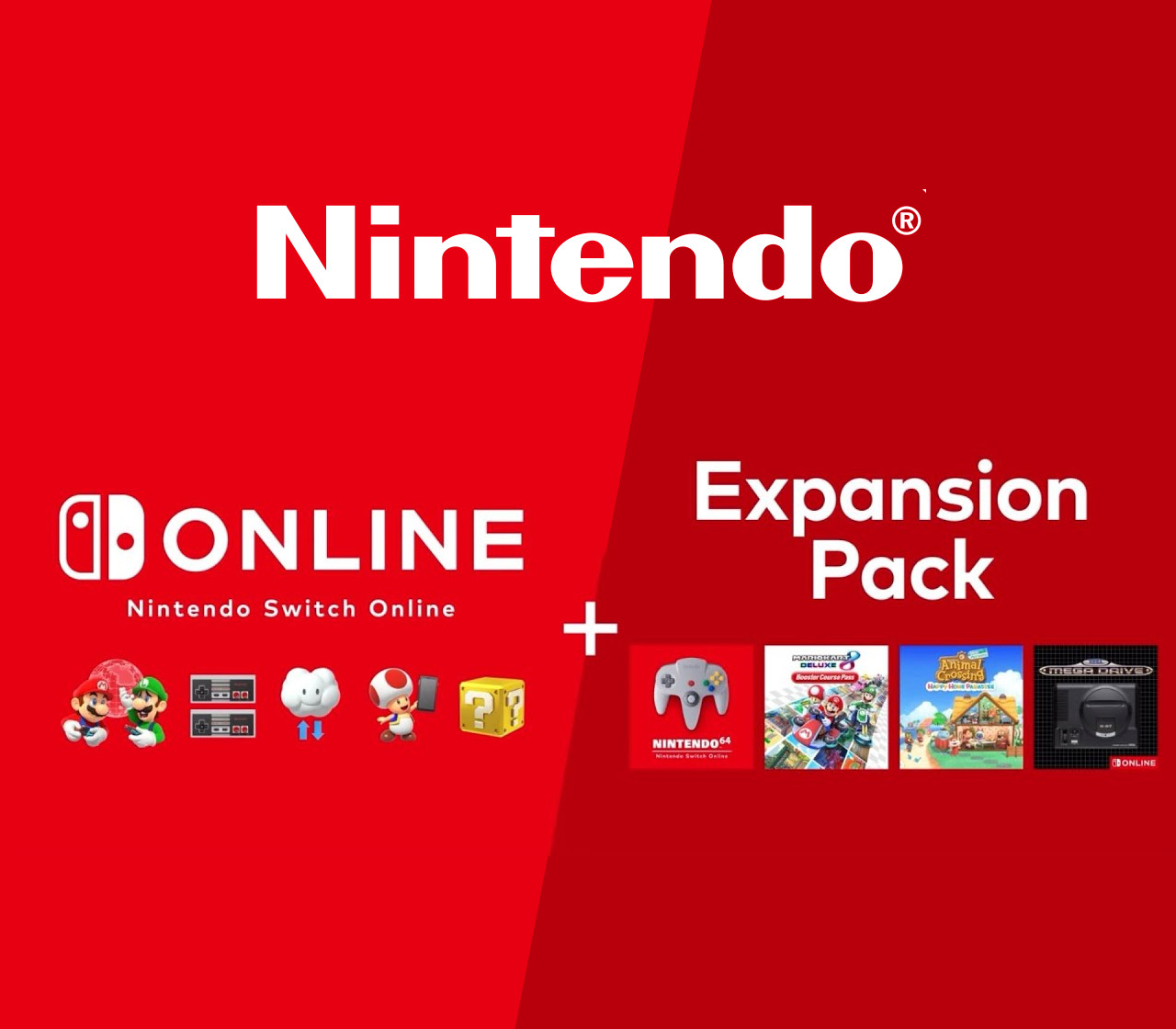
Includes: 365 Days Family Nintendo Switch Online Membership (maximum 8 Nintendo Accounts) Expansion Pack Get all the benefits of Nintendo Switch Online, plus access to classic Nintendo 64, Game Boy Advance, and Sega Genesis games, along with select DLC. The paid service lets you take your gaming up a notch with online multiplayer and exclusive benefits. Features Nintendo 64Party like it’s 1996 with classic Nintendo 64 games like Mario Kart 64, GoldenEye 007, The Legend of Zelda: Ocarina of Time, and more! Game Boy AdvanceIncludes classics like The Legend of Zelda: The Minish Cap and Super Mario Advance 4: Super Mario Bros. 3. SEGA GenesisNintendo Switch Online + Expansion Pack members also get access a collection of SEGA Genesis™ games—like Sonic the Hedgehog 2 and Golden Axe—that are great to play anytime, anywhere! Access DLC at no additional chargeYour Nintendo Switch Online + Expansion Pack membership gives you access to select DLC* at no additional charge! Online gameplay NES - Nintendo Switch Online Nintendo Switch Online app Save Data Cloud Special Offers Local network multiplayer Play purchased games and DLC offline Nintendo Switch system updates Access to Nintendo eShop Register Friends Share screenshots to social media Access to Nintendo Switch Parental Controls app My Nintendo rewards program (earning and using points) News on Nintendo Switch To access any of your system's online services, you'll need a Nintendo Account. *Paid Nintendo Switch Online membership required at the time of purchase and redemption of Nintendo Switch Game Vouchers.
You need a Nintendo Account (Nintendo Switch).
Nintendo codes have 16 characters.
Select “Nintendo eShop” on the HOME Menu to launch the Nintendo eShop. Select the account you want to use. Select “Enter Code” on the left side of the screen. Enter the 16-character download code.Any letters and symbols not used with prepaid codes (i.e. O, I, Z, commas, hyphens, etc.) will be disabled from the on-screen keyboard. Select “Send” to confirm. The game will begin downloading once the code is confirmed.The game icon will appear on the HOME menu, with a download status bar. The status bar will disappear once the game download is complete.
More on Nintendo, in board order.
Activates on Nintendo. Region: Europe. Subscription.
Activates on Nintendo. Region: Global. Subscription.
Activates on Nintendo. Region: Europe. Subscription.
Activates on Nintendo. Region: United States. Subscription.
Activates on Nintendo. Region: Europe. Subscription.